
Gafpa Gear • Camera setup & operation
Kinefinity Guides
Set up your camera, choose a lens mount and keep your firmware up to date. Start with your model, or jump to the guides on calibration and recording.
VISTA
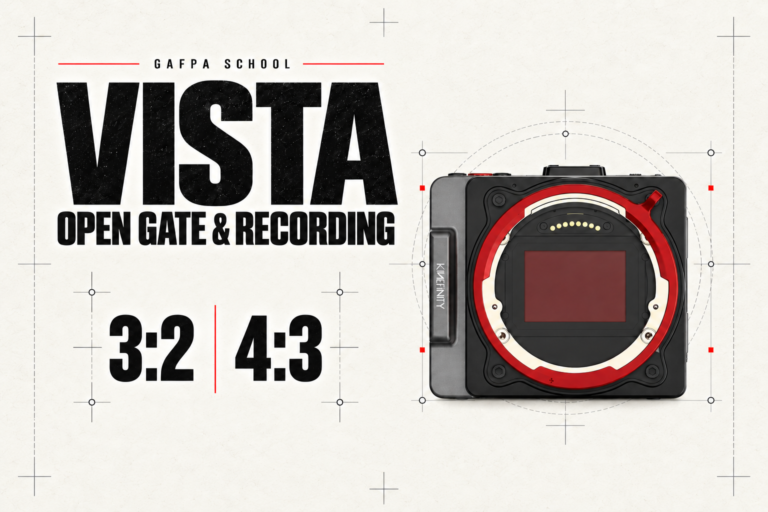
VISTA recording modes & camera setup
Open Gate, full-width 6K and Super 35 crop: connect sensor windows, lens coverage, codecs and power to your production.
Read the guide →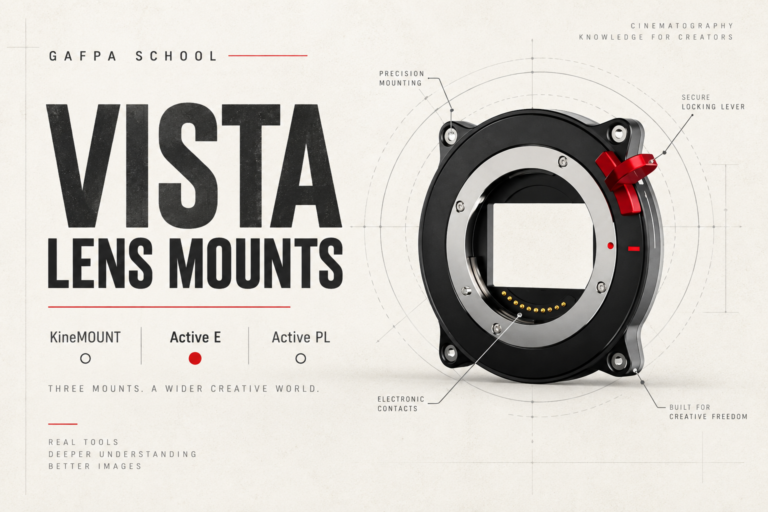
VISTA lens mounts
KineMOUNT, Active E or Active PL: choose your starting point, understand the adapters and change the mount as your setup evolves.
Read the guide →
VISTA firmware
VISTA firmware releases, installation and the changes that matter when you shoot.
Read the guide →MAVO Edge & MAVO mark2
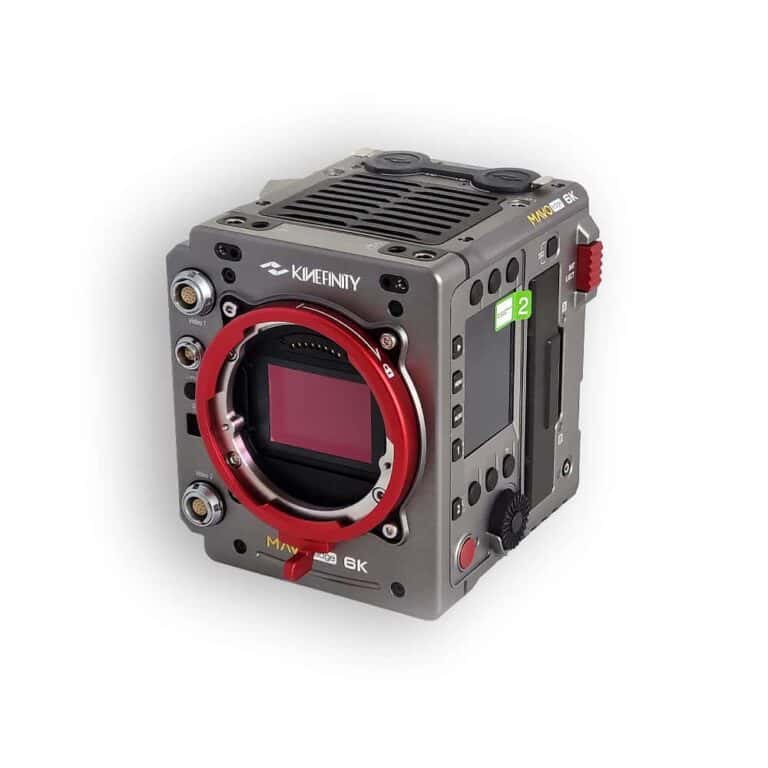
MAVO Edge & mark2 firmware
Firmware for MAVO Edge 6K and 8K, and MAVO LF and S35 mark2. Find the release and update instructions for your camera.
Read the guide →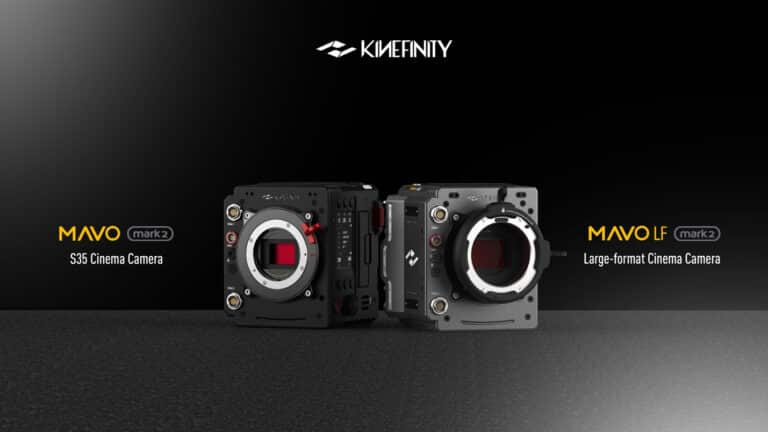
MAVO S35 mark2 explained
Get to know the S35 mark2 sensor, recording options and camera connections.
Read the guide →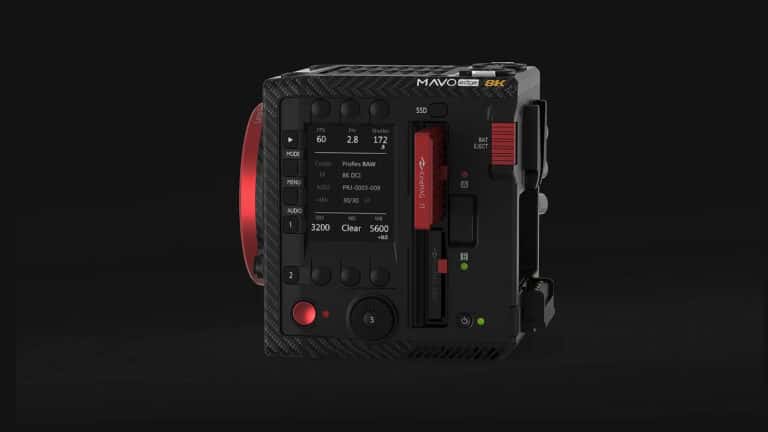
KineMAG Nano recording media
How KineMAG Nano works, with NVMe storage and practical recording considerations.
Read the guide →EAGLE viewfinders
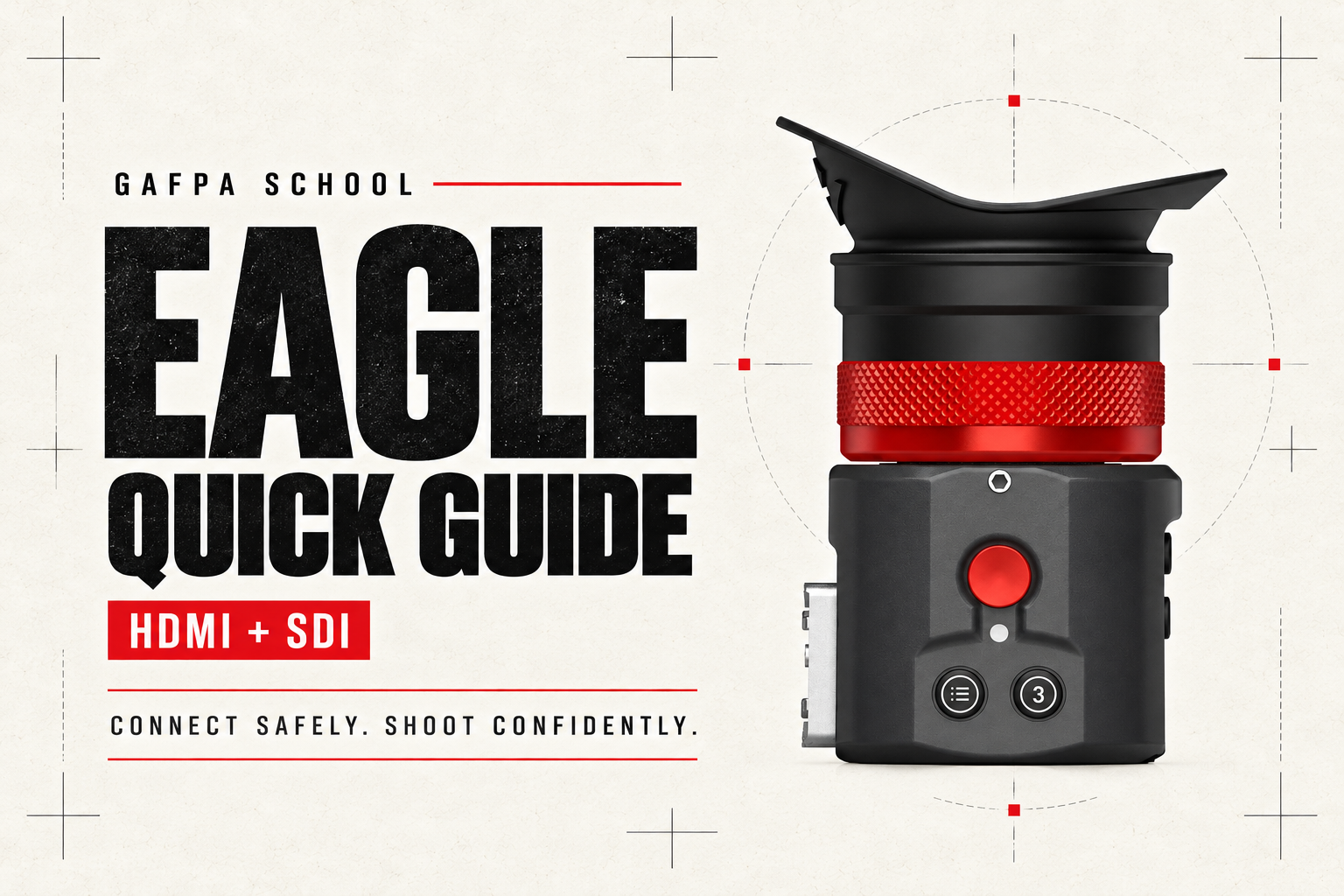
EAGLE Quick Guide
Safe connection, power, setup and troubleshooting for HDMI and SDI.
Read the guide →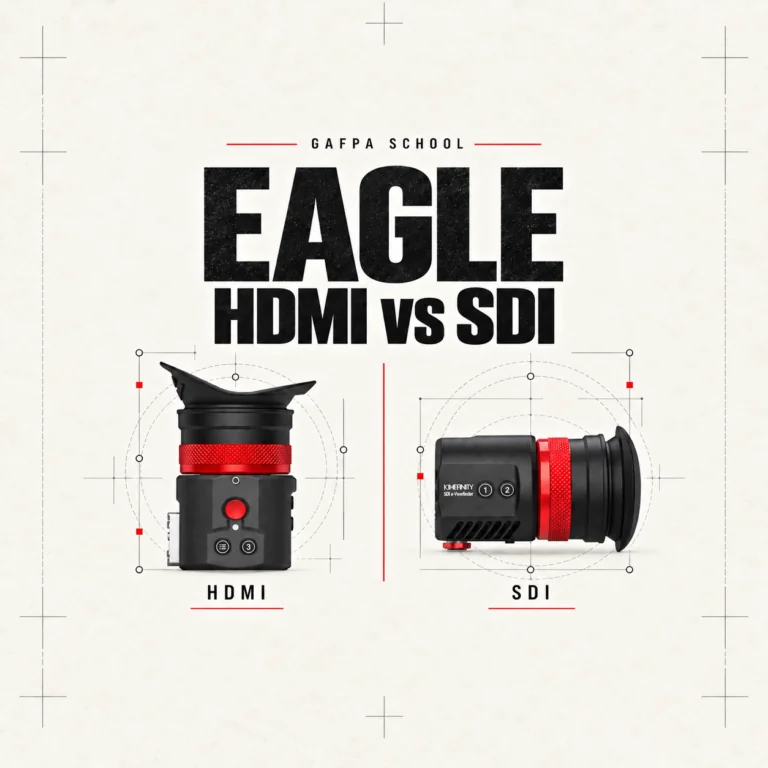
EAGLE HDMI vs SDI
Compare video connections, power, loop-out and kit contents, then build the eyepiece into your camera rig.
Read the guide →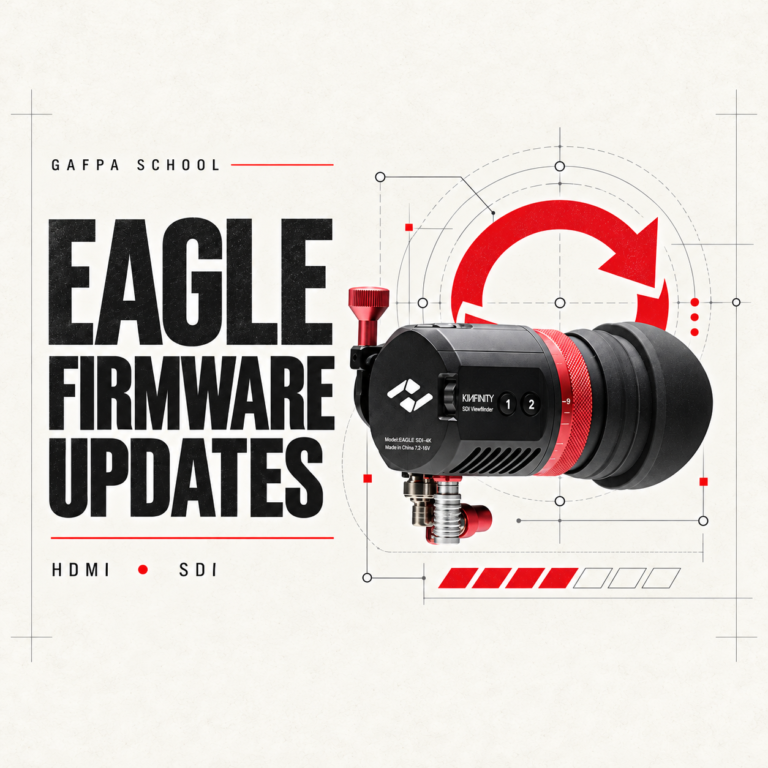
EAGLE HDMI & SDI firmware
Choose the correct firmware for your EAGLE model and follow the installation steps.
Read the guide →Camera operation
Earlier models: MAVO LF & TERRA
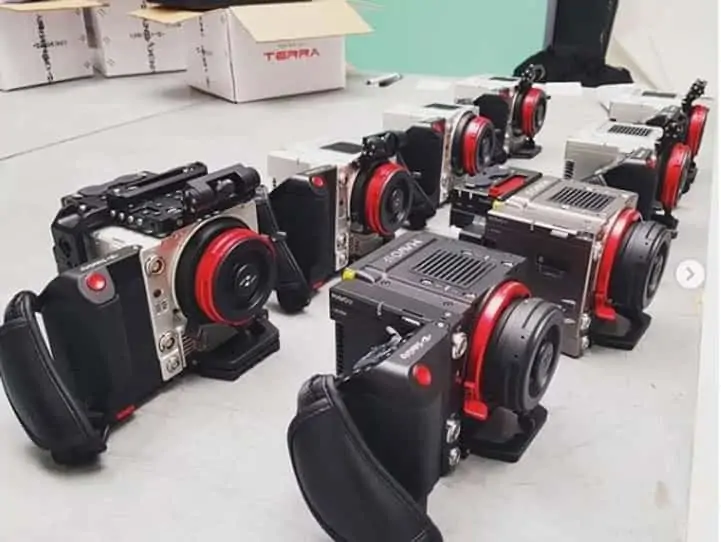
These guides cover previous-generation hardware. Match the guide to your camera before following the setup.
