Kinefinity EAGLE HDMI vs SDI: display and signal paths
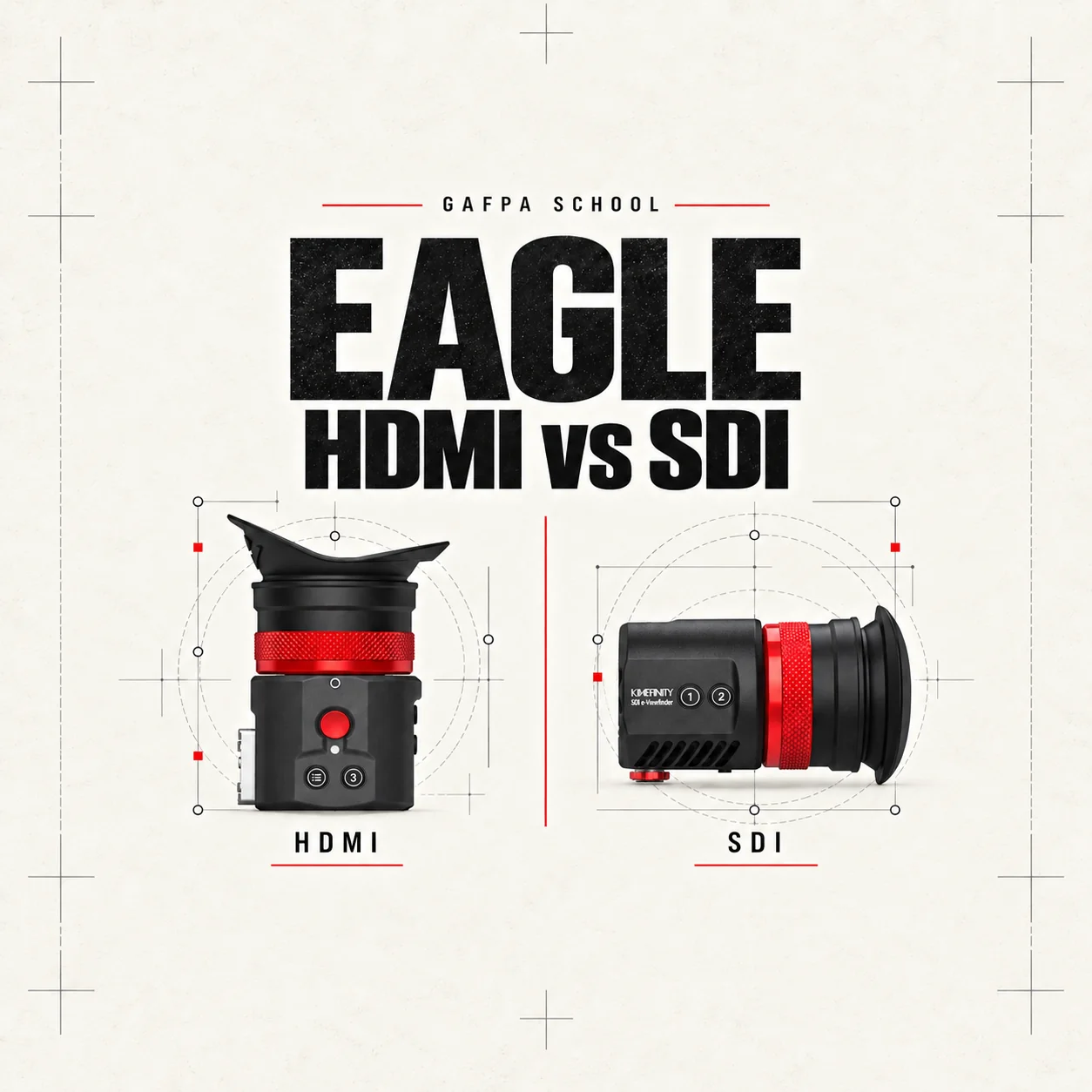
Kinefinity EAGLE HDMI vs SDI: both viewfinders use the same 0.71-inch, 1920 × 1080 Micro-OLED display and optical eyepiece. Choosing between them is a rig decision: the camera’s monitoring output, the power available near the eyepiece and whether another device needs the same feed. A different connector does not give the SDI model a sharper panel, and a Pro Kit does not change the HDMI viewfinder’s image.
Both provide a 33-degree optical viewing field, diopter adjustment from −6D to +2D, magnification, peaking and exposure tools. The processing path is 10-bit and the panel is 8-bit. Their fanless bodies weigh 348g before mounting parts and cabling. Here is what changes in the installation.
| Connection and power | EAGLE HDMI | EAGLE SDI |
|---|---|---|
| Video input | Full-size HDMI Type-A | BNC, 3G / 1.5G SDI |
| Video loop-out | HDMI Type-A | No SDI loop-out |
| Power input | 5V USB-C PD | 7–24V, separate locking input |
| Power draw | 3W | 2.5W |
| USB-C firmware port | Separate from the power input | Firmware updates; not the power input |
HDMI: video and power are separate connections
On the EAGLE HDMI, the HDMI cable carries video and USB-C supplies power. A combined HDMI/USB-C cord keeps those two routes together but does not make HDMI a power source. Position the eyepiece, then choose the cable length and power source around that position.
The second HDMI socket loops the input feed to another HDMI device. That is useful when the operator wants an enclosed eyepiece while an assistant uses an external monitor or a wireless transmitter. The loop-out follows the input signal; it does not turn the EAGLE into a 4K output converter or an external recorder.
A compact rig can supply USB-C power from a suitable battery plate. A larger rig may use the package’s D-Tap cabling. Follow the voltage and cable requirements of the HDMI model: the power arrangements for the SDI viewfinder are different.
SDI: BNC video with a locking power connection
The EAGLE SDI accepts 3G and 1.5G SDI over BNC. Power enters through its separate 7–24V connection, commonly supplied through the included D-Tap cord. Its USB-C port is for firmware updates. A USB-C battery bank is therefore not a substitute for the SDI power connection.
The SDI model offers record start/stop through the power/control connection with a compatible camera and cable. An SDI picture by itself does not establish record control. Match the cable pinout and camera protocol rather than assuming the trigger works on every camera with a BNC output.
The monitoring feed and the recorded file are different
A camera can record 4K, 6K or 8K internally while sending a Full HD monitoring feed to the EAGLE. Set the camera’s monitoring output around the EVF’s supported signal format; that does not reduce the resolution of the recorded footage. On a camera with a 12G SDI output, select an appropriate 3G monitoring signal for the EAGLE SDI.
Also decide where the viewing transform is applied. If the camera already sends a transformed monitoring image, treat that as the reference seen through the eyepiece. The camera’s recording settings determine whether the file remains Log or contains a baked-in look; the resolution printed on the viewfinder panel tells you neither of those things.
Body, Core Kit or Pro Kit?
For HDMI, the viewfinder package includes the EVF and CH25 composite cord. The Core Kit adds the Mini Mount, bracket adapter, USB-C cable and Accsoon NP-F battery plate, among other mounting parts. You supply the NP-F battery separately.
The Pro Kit adds longer HDMI/USB-C and D-Tap cabling, the Movcam handgrip, NATO rail and two GripBAT 2Si batteries with the PD Hybrid Dual Charger Pack. The reason to buy that package is its rig hardware and power provision; its display and monitoring tools are the same as the standalone HDMI viewfinder.
For SDI, the kit includes the viewfinder, D-Tap cord, Mini Mount, eyecushion and thread adapter. Black and Cyber refer only to the colour and finish of the viewfinder. The kit contents and monitoring specifications are identical. The SDI video cable and the camera’s power source remain separate.
Mount the eyepiece as part of the camera rig
Check clearance for the mount’s adjustment, the camera’s other connectors and the length of the cable route. A kit supplies useful mounting parts, but it does not include every camera-specific cage or support interface.
Use our EAGLE HDMI and SDI firmware guide for software updates. For the installation, talk to Gafpa Gear about your camera setup with the camera model, mounting position and power source. We can build the package around those concrete requirements.
For a VISTA rig, combine the HDMI viewfinder with the recording and monitoring setup in our Kinefinity VISTA guide. The development from KineEVF to the independent EAGLE system is covered in our history of Kinefinity.
Technical references: Kinefinity’s HDMI specifications and SDI specifications.
Before connecting your rig, read our EAGLE Quick Guide for the no-hot-swap connection procedure, power, setup and troubleshooting.