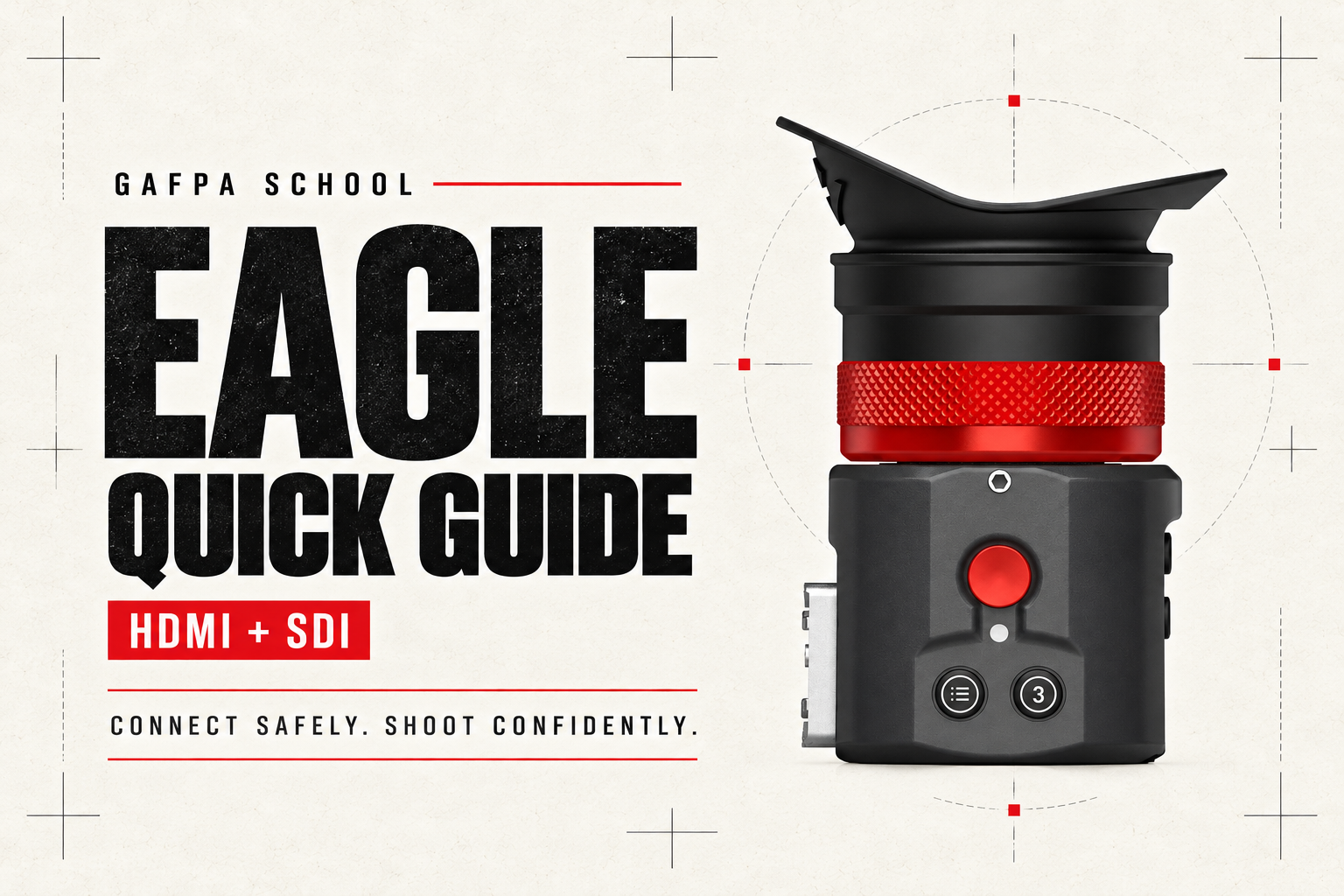
The Kinefinity EAGLE Quick Guide covers safe connection, power, monitoring setup and fault-finding for the HDMI and SDI viewfinders. Start with the connection procedure below, including when changing the rig between takes.
A safe connection sequence for the rig
For a complete rig change, our working routine is to shut down the camera, EVF and any connected monitor or transmitter before re-cabling. That keeps the whole signal chain in a known state. Follow the camera and other accessory manufacturers’ connection requirements as well.
- Switch off before connecting. Confirm that the EVF is off, not merely showing a blank screen. Check the power source, cable and required input voltage for your model.
- Mount and cable the rig. With the EVF off, connect its correct power lead and video input. If using HDMI loop-out, complete that connection now as well. Seat every plug fully and leave enough slack for eyepiece adjustment.
- Power up only after the connections are complete. Enable the camera’s supported monitoring output, switch on the EVF and check the feed.
- Before changing a cable or battery, shut down again. Switch off the EVF before unplugging its power lead, removing its supply battery or changing video connections. Do not treat a camera’s hot-swap battery provision as approval to hot-swap the EVF’s cables.
Kinefinity’s official EAGLE Quick Guide includes separate HDMI and SDI safety sheets. Keep the sheet for your model with the kit.
EAGLE HDMI: separate video and 5V power
Connect the camera’s HDMI output to the EAGLE’s HDMI input, not its loop-out. Supply the EVF through its 5V USB-C PD power input. The other USB-C connection is for firmware updates. HDMI carries the image; it does not replace the power connection.
The HDMI model draws approximately 3W. Use a suitable USB-C supply and the correct cable. Never apply the SDI model’s 7–24V supply directly to the HDMI model. If powering from D-Tap, use a cable specifically intended to provide the HDMI EAGLE’s required USB-C supply, not an unregulated pin adapter.
Set the camera’s monitoring output to 1920 × 1080. Supported progressive rates are 23.98, 24, 25, 29.97, 30, 47.95, 50, 59.94 and 60p. The EAGLE also accepts specified HD interlaced and PsF formats; consult the HDMI signal specifications for those modes. A 4K-capable HDMI cable does not make the EVF a 4K-input device.
The second HDMI socket is a video loop-out for another compatible device. It is not a second input. For initial setup or fault-finding, start with the camera and EVF alone; switch off before adding the rest of the chain.
EAGLE SDI: BNC video and a separate locking supply
The SDI model accepts 1.5G / 3G SDI through its BNC input and uses a separate 7–24V power connection, drawing approximately 2.5W. Its USB-C socket is for firmware updates, not USB-C power. Use the correct power cord and verify connector orientation and pinout before connecting.
For 1080p monitoring, 23.98 through 30p use the HD-SDI path; 47.95, 50, 59.94 and 60p use 3G-SDI. The EAGLE SDI does not accept 12G-SDI. Select a supported HD monitoring output on the camera rather than its UHD/12G output. Check the SDI signal specifications for interlaced and PsF compatibility.
Record start/stop uses a compatible camera and power/control cable. A working SDI image alone does not establish record-trigger compatibility. The SDI model has no video loop-out.
Set the eyepiece and monitoring image
Dioptre and mounting
Set the dioptre against the EVF’s menu lettering or an overlay, independently of the taking lens’s focus. Then return to the camera image. Position the mount so the operator can hold the viewing position without loading the connectors. Check that adjustment does not pull a cable tight or lever a plug sideways.
Monitoring transform and exposure tools
Establish whether the camera output is Log or already carries the intended viewing transform. A monitoring LUT and a look baked into the recorded file are different settings. Check the camera’s recording and output paths separately before judging the image through the EVF.
Use magnification and peaking to check focus, and waveform, zebra or false colour for exposure. Read exposure tools in the context of the signal actually being sent to the EVF: a transformed monitoring image and a Log feed do not place the same subject at the same displayed level. Do not assume a particular false-colour colour represents a universal exposure value; use the active scale and signal convention.
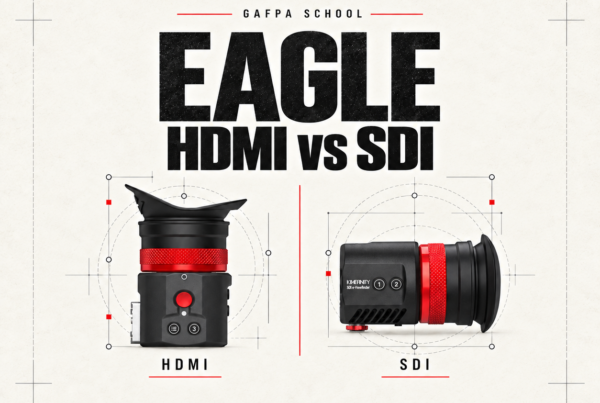
Assign the functions you need to the user buttons before the shoot. For a rig or kit comparison, see our EAGLE HDMI vs SDI guide.
No picture? Isolate the fault without hot-swapping
- Check whether the menu is visible. If it is, the panel is working; investigate the incoming signal and cable path. If the screen has timed out, try a button before treating it as a fault.
- Check the camera output. Use a supported 1080 monitoring mode. For SDI, exclude a 12G output. Confirm that the relevant camera output is enabled.
- Check the ports. On HDMI, distinguish input from loop-out and the power USB-C socket from the firmware socket.
- Switch off before checking or replacing cables. Test a known-good cable with the camera connected directly to the EVF. Leave splitters, converters and loop-out devices out of this test.
- If there is still no menu or normal startup, check the supply. Verify the battery charge, correct power lead and model-specific voltage. Stop using the equipment if a connector is damaged, the unit has been wet or it behaves abnormally.
For intermittent faults, note the camera output mode, power source and which devices share the rig. Send us those details rather than repeatedly plugging cables into a live system.
Protect the OLED, connectors and eyepiece
Keep direct sunlight out of the eyepiece, even with the EVF switched off. The eyepiece optics can concentrate sunlight onto the display and damage it. Cover or shield the eyepiece when the camera is left in sunlight, including between takes and during transport.
The EAGLE is not waterproof. Do not power on a unit that has been submerged. Keep liquids off the display and do not spray cleaner directly onto it. Disconnect cables by holding the plug, not pulling the cord. Support the EVF mechanically; its cables should never carry its weight.
Firmware, documentation and Gafpa support
Use our EAGLE HDMI and SDI firmware guide for the correct model-specific download and update procedure. Maintain power throughout an update. A firmware update is not the first substitute for checking the power and video connections.
For the full operating instructions, use Kinefinity’s EAGLE Operation Manual. For help with your kit, contact Gafpa Gear support with the EVF model, serial number, camera, output mode, power source and a photo of the connected rig.
EAGLE viewfinders and matching kits
For an HDMI camera output, see the EAGLE HDMI electronic viewfinder. The HDMI Core Kit adds mounting accessories and an NP-F battery plate; the HDMI Pro Kit adds the wider cabling, handgrip and GripBAT battery-and-charger package. The EVF is the same in all three packages.
For a supported HD/3G-SDI camera output, choose the EAGLE SDI in Black or Cyber silver. The Black SDI Kit and Cyber SDI Kit include the Mini Mount and eyecushion. Check each product page for package contents, additional requirements and current availability.