Description
Kinefinity EAGLE HDMI Core Kit for your existing camera rig
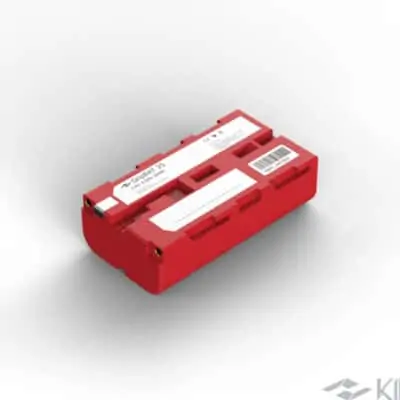
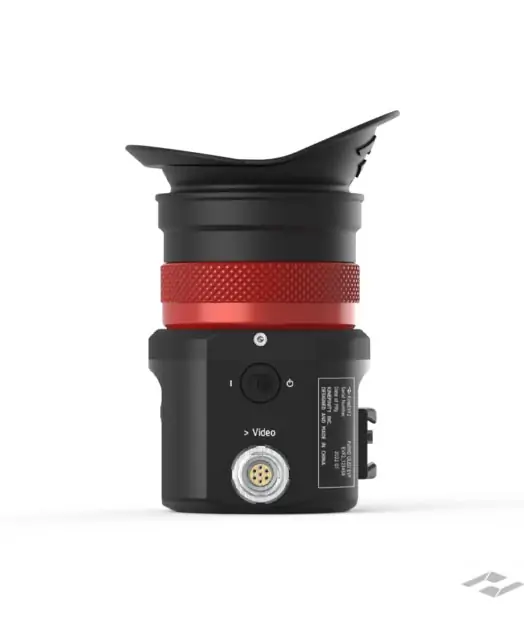
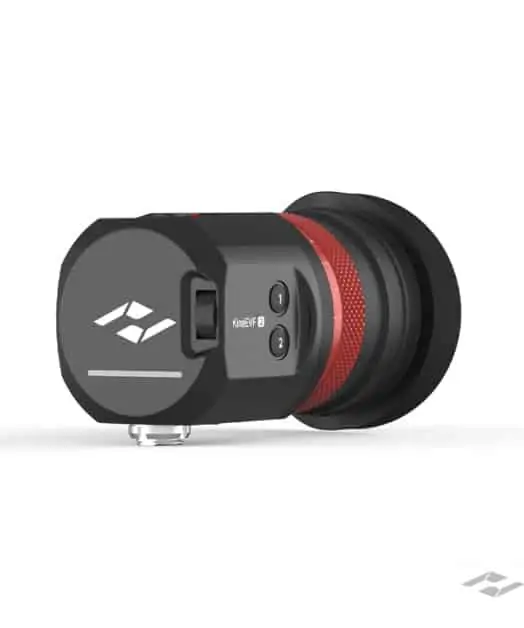
The EAGLE HDMI Core Kit brings the viewfinder, compact cabling, mounting accessories and an NP-F battery plate together. Choose it when you want to add an eyepiece to a rig you already use, without assembling the mounting and power-plate package piece by piece.
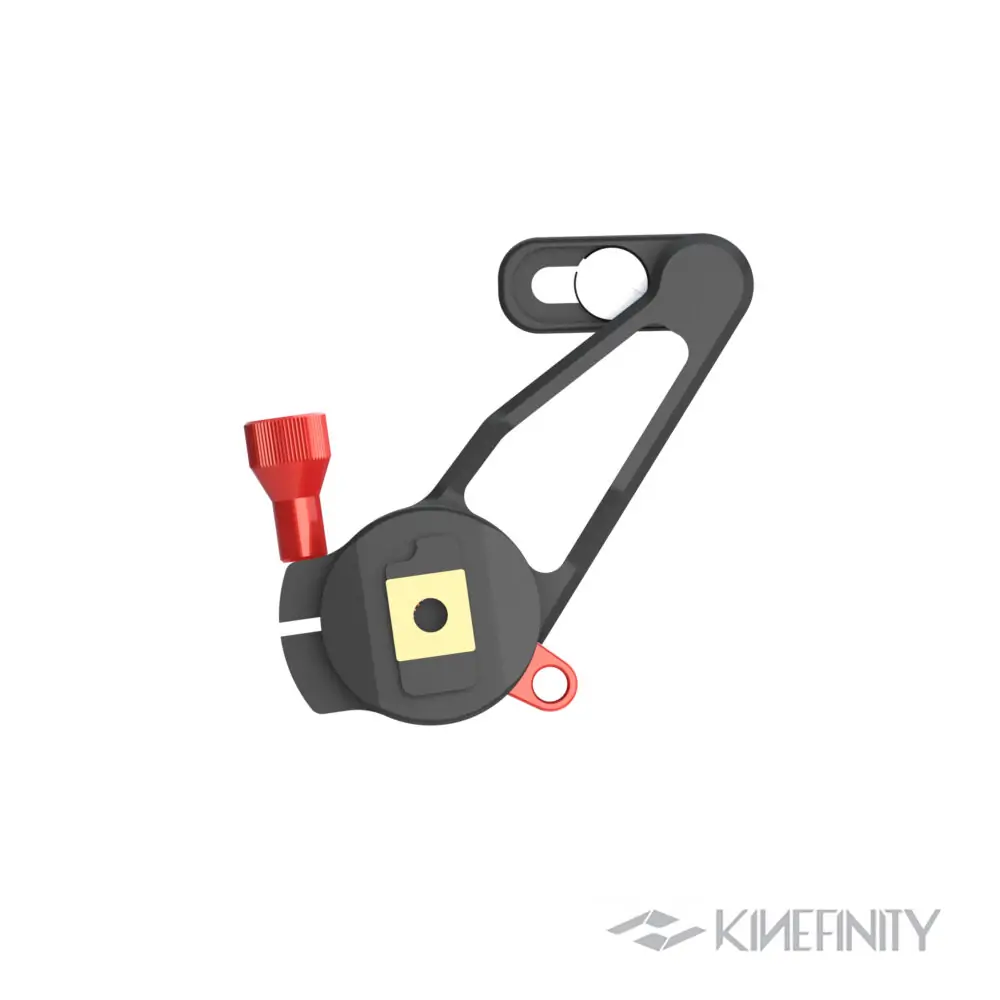
The Mini Mount and bracket adapter give you a starting point for positioning the eyepiece close to the camera. The 25cm composite cord keeps the connection compact, while the separate USB-C cable and Accsoon plate provide a power arrangement using your own NP-F battery. The battery itself is bought separately.
Camera output and power compatibility
Use a supported 1920 × 1080 HDMI monitoring output from the camera, even when recording at a higher resolution internally. The EAGLE HDMI accepts the HD signal formats listed below; a 4K HDMI output must be set to a supported HD mode. Video enters through the full-size HDMI input, while a separate 5V USB-C PD supply powers the EVF. The second HDMI connector is a loop-out for another compatible monitoring device.
For a camera rig using SDI, compare the EAGLE SDI viewfinder. Our HDMI vs SDI comparison explains the signal, power and mounting differences.
Connection sequence: connect video and power before switching on the EVF. Switch it off before connecting or disconnecting either cable. Keep direct sunlight out of the eyepiece. See the EAGLE Quick Guide for safe connection and setup.
Focus through the eyepiece
The 0.71-inch Micro-OLED panel resolves 1920 × 1080 pixels. OLED pixels emit their own light, giving the display deep blacks without the backlight of an LCD. The optical eyepiece presents that small panel as a usable viewing image, with a 33-degree field of view and a diopter adjustment from −6D to +2D.
Use magnification to inspect focus, peaking to locate sharp edges and waveform or false colour to judge exposure. The processing path is 10-bit; the display panel is 8-bit. These are monitoring tools for the camera output, rather than changes to the recorded image.
HDMI loop-out and USB-C power
The full-size HDMI input receives the camera feed. A second HDMI port loops that signal to another monitor or recorder, useful when both the operator and another crew member need a screen. The viewfinder draws 3W and runs without a fan. USB-C supplies power; video enters through HDMI.
Included in Kinefinity EAGLE HDMI Core Kit
- EAGLE HDMI e-Viewfinder
- CH25 HDMI/USB-C composite cord, 25cm
- C25 USB-C cable, 25cm
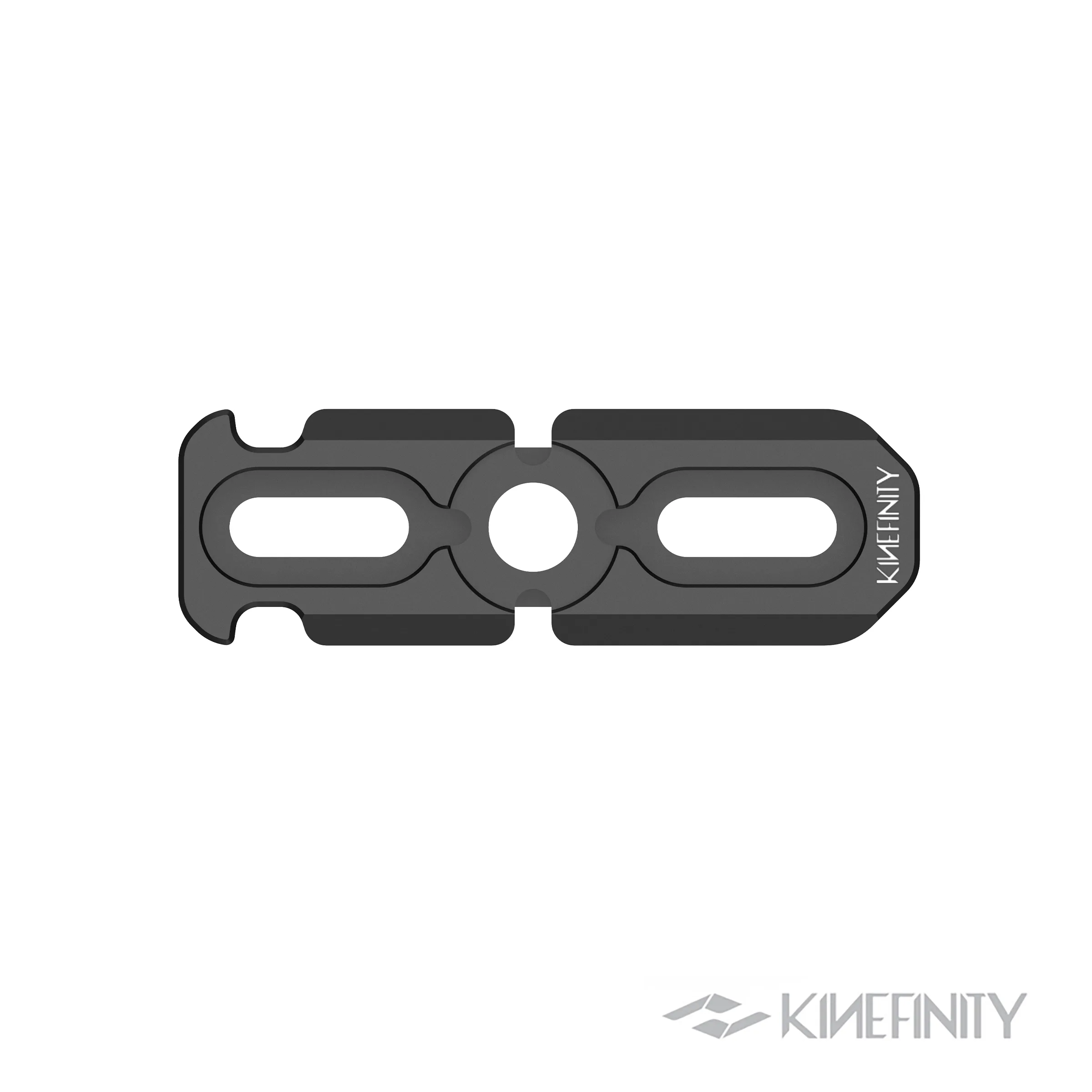
- E-Viewfinder Mini Mount
- 1/4-inch rosette
- Kinefinity Bracket Adapter
- Accsoon Toprig NP-F Battery Plate
- E-Viewfinder Eye Cushion
- 1/4-inch to 3/8-inch screw adapter
Camera and camera-specific rig hardware are sold separately. The Core Kit battery plate requires a separate NP-F battery.
Accessories for your camera rig
25cm HDMI/USB-C cord, 50cm HDMI/USB-C cord, Accsoon NP-F battery plate and Kinefinity Bracket Adapter are also available separately.
Viewfinder specifications
| Display | 0.71-inch / 1.8cm Micro-OLED |
|---|---|
| Resolution | 1920 × 1080; 16:9 |
| Image processing / panel | 10-bit processing / 8-bit panel |
| Contrast | >10,000:1 |
| Pixel density | 3103ppi |
| Field of view / optical distortion | 33° / <1.5% |
| Diopter | −6D to +2D |
| Video connection | HDMI Type-A input and HDMI Type-A loop-out |
| Power | 5V via USB-C PD; 3W |
| USB firmware connection | USB-C |
| Body dimensions | 105 × 54 × 59mm |
| Viewfinder weight | 348g; accessory weight additional |
Supported monitoring signals
1920 × 1080 progressive: 23.98, 24, 25, 29.97, 30, 47.95, 50, 59.94 and 60fps. PsF: 23.98, 24, 25 and 29.97fps. Interlaced: 50i, 59.94i and 60i.
Viewfinder, Core Kit or Pro Kit?
- EAGLE HDMI Viewfinder: viewfinder and CH25 cord for an existing mount and power setup.
- EAGLE HDMI Core Kit: adds mounting accessories, a USB-C cable and the Accsoon NP-F battery plate. Supply your own battery.
- EAGLE HDMI Pro Kit: adds longer cords, D-Tap cabling, handgrip, NATO rail and two GripBAT batteries with the charger pack.
The EAGLE HDMI display is the same in all three packages. Choose the kit around the parts your rig needs.
Setup questions
Can I power the viewfinder through USB-C?
Yes. Use a suitable 5V USB-C PD source. The Core Kit includes an NP-F battery plate, but no NP-F battery. The Pro Kit also includes the GripBAT battery-and-charger package.
Can I connect another monitor?
Yes. The HDMI loop-out passes the input signal to another HDMI monitor or recorder. Choose the cable length around the position of both screens.
Is the Pro Kit a different viewfinder?
No. Core and Pro refer to the accessory packages. The viewfinder, panel and monitoring tools are the same.
Where do I find firmware and camera setup help?
Our EAGLE HDMI and SDI firmware guide covers updates for both models. Firmware adds monitoring functions; it does not replace the camera’s video connection. For supported camera metadata and a suitable power arrangement, ask Gafpa Gear about your specific setup.
Camera setup advice from Gafpa Gear
Tell us your camera model, power source and how you position your viewfinder. Email [email protected] or call +31 6 38565275 and we will help you select the cables and mount for your rig.
Before first use, read our EAGLE Quick Guide for safe connection, power, setup and troubleshooting.