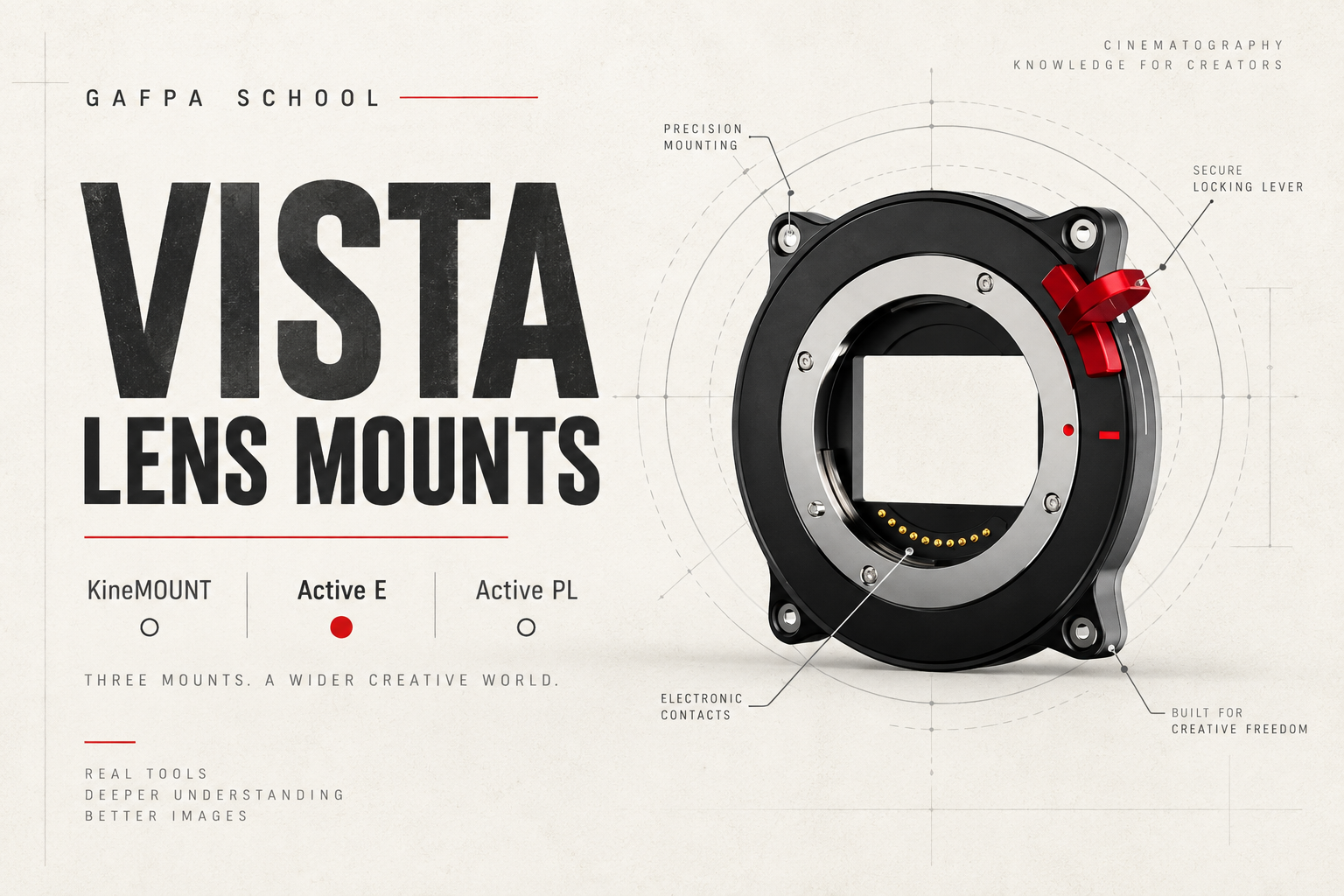
The Kinefinity VISTA lens mount choice starts with the glass you want to use and how you want to control exposure. KineMOUNT gives you Kinefinity’s interchangeable PL, EF and LPL adapters. Active E opens up native E-mount lenses and a broad range of third-party adapters. Active PL connects a cinema PL lens directly to the camera.
There is no single best mount for every cinematographer. A compact E-mount prime kit, a PL set with adapter-based ND and a studio rig with a matte box ask for different things. Here is how we would build each setup, what you need alongside the body, and what changes when you move between mounts.
Choose around your lenses
- KineMOUNT: interchangeable lens adapters, including Kinefinity electronic ND. Buy the camera and the adapter that fits your lenses.
- Active E: native E-mount glass or a suitable third-party adapter, including PL-to-E designs with drop-in filters.
- Active PL: PL lenses straight onto the camera. Add your preferred front filters or matte box for ND.
In this guide: KineMOUNT · Clear and electronic ND · Active E and adapters · Active PL · Changing mounts · Lens coverage · Questions
Three camera mounts, three starting points
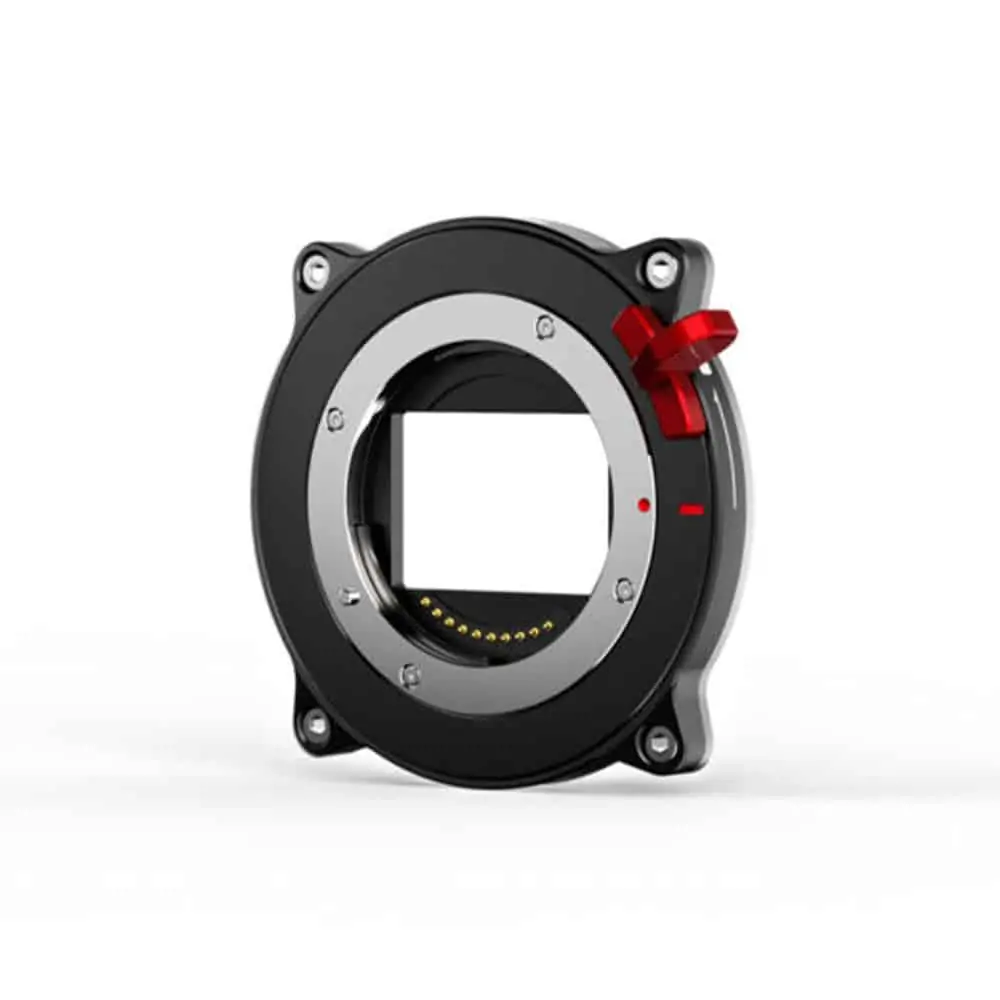
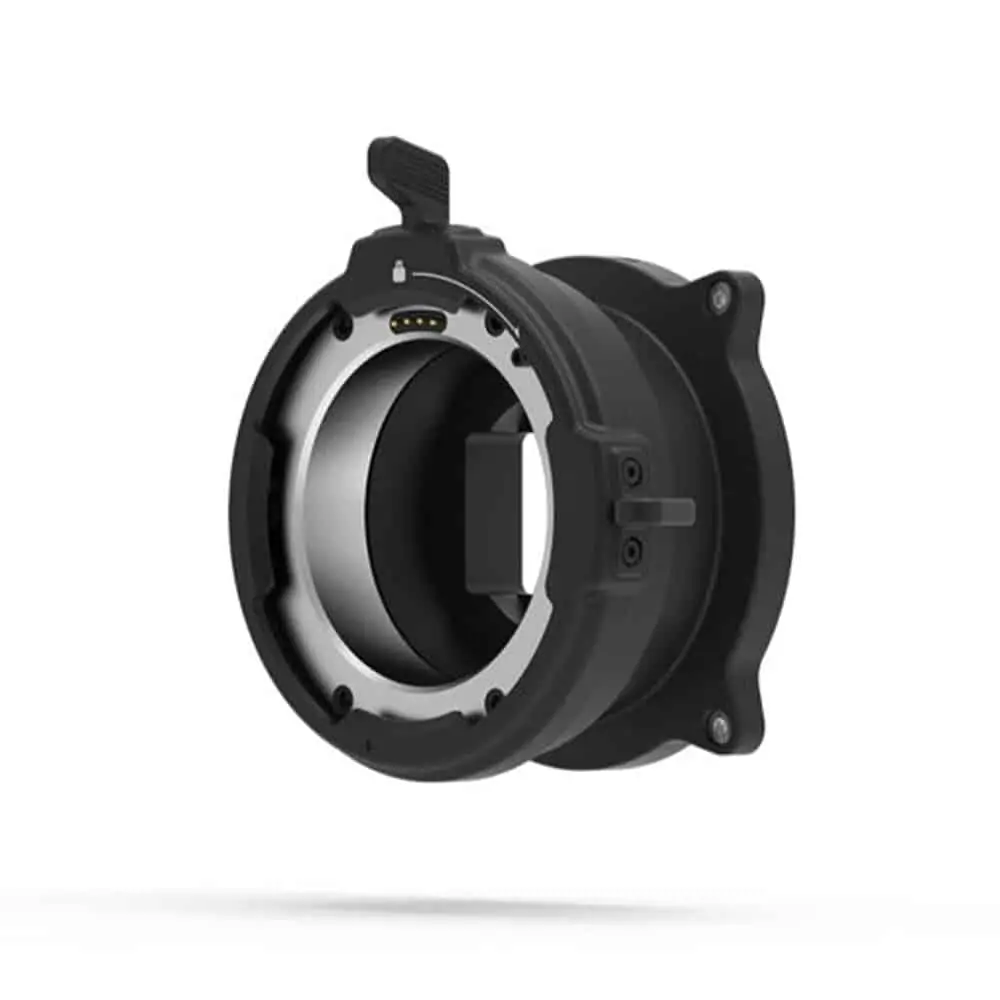
KineMOUNT: one camera, different lens systems
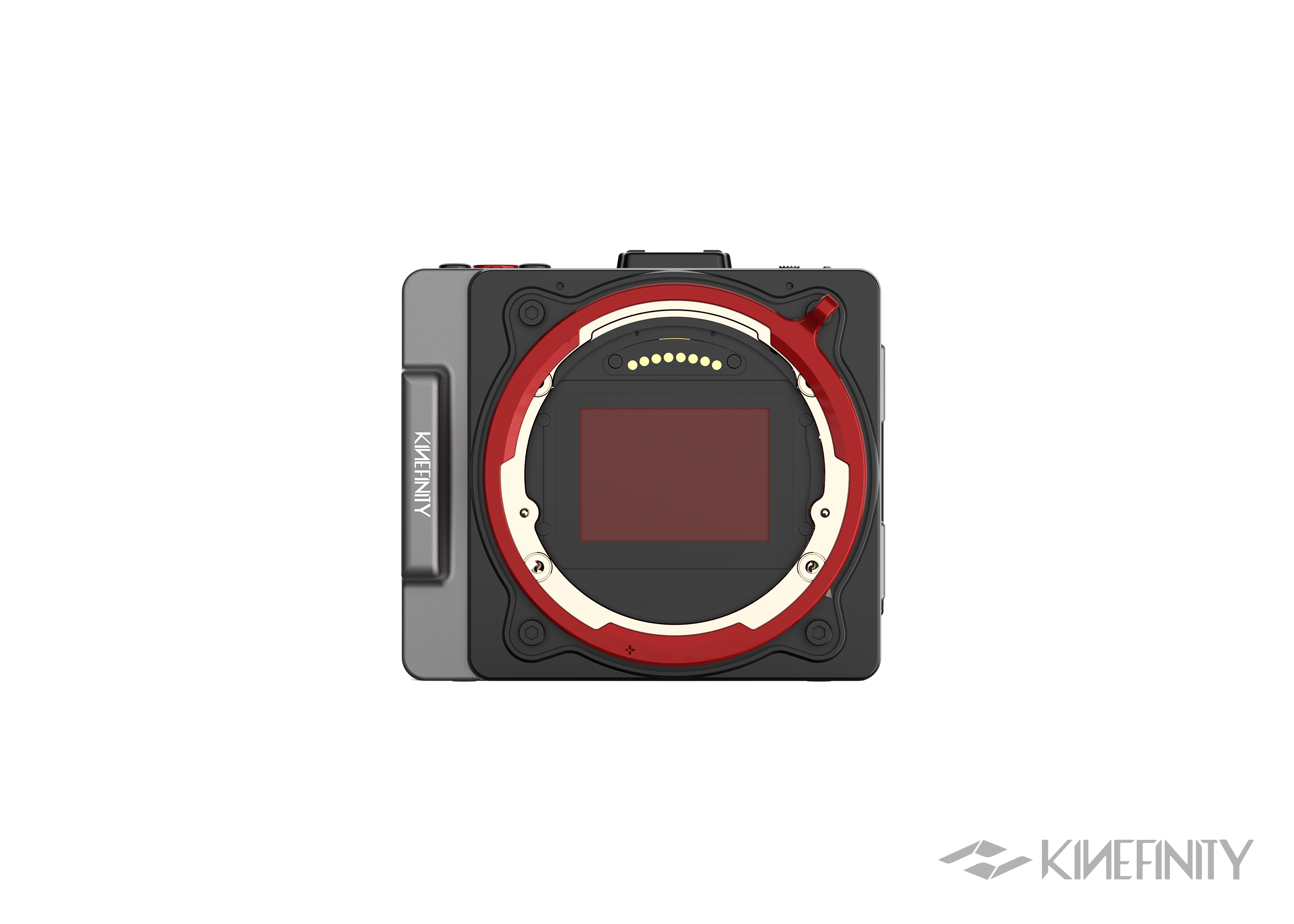
KineMOUNT is the camera-side interface for Kinefinity’s lens adapter system. A PL or EF lens does not attach directly to it: you choose the adapter between the body and the lens. That modular arrangement is its strength.
For a PL lens kit, the chain is VISTA with KineMOUNT → PL mounting adapter → PL lens. For EF glass, it becomes VISTA with KineMOUNT → EF mounting adapter → EF lens. The camera-side mount stays in place when you move between those adapters.
The adapters lock into the KineMOUNT bayonet. Changing one is a lens-style operation with no tools, rather than a job involving screws on the camera body. If your work moves between a manual PL prime set and EF lenses, that distinction makes KineMOUNT particularly useful.
What you need to buy
Include a separate lens adapter in your camera budget. Our PL Clear adapter provides the PL connection without ND attenuation; the PL electronic ND adapter adds variable electronic filtration. For EF lenses, choose the EF 3 mounting adapter or its electronic ND version. There is also a Kinefinity LPL adapter for an LPL lens kit.
You can compare these in our lens mounts and adapters category. Choose the lens system first, then the filtration; buying the camera mount alone does not complete a KineMOUNT setup.
Clear and eND: why the combination matters
Kinefinity’s PL electronic ND adapter varies continuously from 2 to 7 stops, equivalent to ND 0.6–2.1. Instead of changing aperture as daylight grows brighter, you can hold the depth of field you chose and adjust the ND. That is valuable when the lens is part of the look: you can keep a shallow-focus shot at the same aperture while balancing exposure.
The important detail is the lower end of that range. The eND adapter has no Clear position. Even at its lightest setting it removes two stops. Indoors, at dusk or on a dimly lit set, those two stops may be exactly what you do not want to lose.
Our PL recommendation: the PL Clear + eND combo. Use eND when you need light reduction and swap to the Clear adapter when you need the lens’s full light transmission. Clear is a separate adapter, not a setting on the eND adapter.
The same practical reason applies to an EF kit. The EF 3 Clear + eND combo gives you both options, so a bright exterior does not dictate the adapter you have to use for an evening interior.
How this differs from a MAVO Edge
The VISTA has no internal ND system. Its filtration comes from the lens adapter or external filters. On the MAVO Edge 6K and MAVO Edge 8K, Clear belongs to the camera’s internal electronic ND workflow. Do not assume the VISTA’s adapter-based system operates in the same way.
Active E: native lenses and room for adapters
Active E Mount is an attractive starting point if you already own E-mount lenses. It also gives you access to third-party adapter systems because of the short flange distance: the distance between the mount’s reference surface and the sensor.
A PL lens requires a longer flange distance than an E-mount lens. A PL-to-E adapter occupies the space between the camera and that lens, placing it at the correct distance. Some designs also use that space for filters. This is why an E-mount VISTA can form the basis of a PL cinema rig as well as a compact native E-mount setup.
A practical example: MOFAGE POCO II
The MOFAGE POCO II offers a PL-front, E-camera configuration with drop-in filtration. Its standard filter components include variable ND and Pure Clear. That gives you another way to combine PL glass with filters behind the lens, using a third-party system rather than a Kinefinity PL eND adapter.
Choose the correct camera-side and lens-side configuration when ordering. A PL-to-E adapter and a KineMOUNT-to-PL adapter solve the same lens-connection problem on different camera mounts; they are not interchangeable accessories.
What the active contacts do
The short flange distance makes mechanical adaptation possible. The active contacts provide electronic communication with supported lenses. These are separate advantages: a passive adapter does not gain electronic lens control simply because it is mounted on Active E.
With compatible native E-mount lenses, available functions include aperture control, lens information and optical stabilisation where supported. The VISTA does not provide autofocus. Kinefinity also specifies that electronic E-to-EF adapters are unsupported, so for a substantial EF lens collection we would build around the dedicated KineMOUNT EF adapters.
Explore our Active E Mount or ask us about your E-mount lenses. We can help you choose a setup around the electronic lens functions you use.
Active PL: a direct cinema lens connection
Active PL makes sense when your kit already revolves around PL cinema lenses. Attach the lens directly to the camera, then build around your focus system, lens support and filtration. There is no separate KineMOUNT-to-PL adapter in this configuration.
Supported lenses can communicate lens metadata through the active mount. The mount itself does not provide ND: use front-mounted filters or a matte box. For a rig that already has a matte box and a matched PL prime set, that is a straightforward working arrangement.
A Kinefinity PL eND adapter does not attach on top of the native PL camera mount. To use that adapter family, the camera needs KineMOUNT. See the VISTA camera configurations and our camera mounts and lens adapters.
Changing a camera mount versus changing an adapter
These are two different operations. A KineMOUNT lens adapter comes off at the bayonet; the camera-side mount stays attached. Moving between KineMOUNT, Active E and Active PL means replacing the mount assembly on the body, which is held by four screws.
Kinefinity’s mount hardware uses an interchangeable design. You can start around your existing lens kit and discuss a different body mount with us later. We will help you select the correct assembly for your VISTA and arrange the change. Treat a camera-side mount exchange as a careful setup task, rather than something to do between takes with the sensor exposed.
For frequent PL/EF adapter changes, KineMOUNT is the more practical route. For native E lenses or a direct PL connection, choose the camera mount around that workflow. The difference is how often you want to change lens systems, not just whether a lens can be made to fit.
A lens can fit the mount without covering the sensor
The VISTA sensor measures 36 × 24mm, with a 43.3mm diagonal. A lens needs a sufficient image circle for the sensor area used by your recording mode. Mount compatibility tells you how the lens attaches; it does not tell you how much of the sensor the lens illuminates.
A Super 35 PL lens may fit the PL mount perfectly while leaving the corners of a full-frame image outside its designed coverage. The same applies to APS-C E-mount lenses. For the full 36 × 24mm area, choose lenses with an image circle that covers that diagonal.
Changing from PL to E mount does not change the lens’s image circle or the size of the sensor. Start with the lens coverage and recording area you need, then choose the mount and ND system.
Three setups we would build
PL primes, daylight and low-light work
VISTA with KineMOUNT, a PL Clear + eND combo and your PL lenses. The electronic ND adapter controls exposure outdoors; the Clear adapter preserves light transmission indoors. This is our starting point when you want Kinefinity’s adapter-based ND.
A compact native E-mount kit
VISTA with Active E and your native lenses. Add a suitable PL-to-E adapter when a project calls for PL glass. Decide whether you want adapter-based drop-in filters or front filtration before choosing that adapter.
A PL rig with a matte box
VISTA with Active PL, your cinema lenses and your existing matte box/filter set. The direct lens connection keeps the mount arrangement simple, while filtration remains part of the rig you already use.
Build your VISTA around your lenses
Tell us which lenses you own, whether you need electronic iris control, and where you want your ND filters. We will put together the camera mount and adapters that make sense for your work.
Ask Gafpa Gear for mount advice · Explore the VISTA · VISTA firmware updates
VISTA lens mount questions
Can I attach a PL lens directly to KineMOUNT?
No. You need a KineMOUNT-to-PL lens adapter. A VISTA with native Active PL accepts a PL lens directly.
Can I change a KineMOUNT adapter without tools?
Yes. The lens adapter uses the KineMOUNT bayonet. This is different from replacing the four-screw camera-side mount assembly.
Does the PL eND adapter switch to Clear?
No. Its range begins at two stops. Use the separate Clear adapter for low-light work; the PL combo contains both.
Am I committed to the same mount forever?
The camera-side mount hardware is interchangeable. Contact us about the correct replacement assembly and the mount change for your VISTA.
Does Active E provide autofocus?
No. Supported electronic lens functions include iris control and lens information, but the VISTA does not provide autofocus.
Does the VISTA have internal electronic ND?
No. Plan ND through a lens adapter, front filters or a matte box.