Kinefinity VISTA: sensor windows and recording formats
The Kinefinity VISTA records from a 36 × 24mm full-frame sensor, but not every recording mode uses that whole area. Open Gate, full-width widescreen, oversampled 4K and Super 35 crop modes differ in their active sensor dimensions and maximum frame rate. Those differences determine lens coverage, the recorded field of view and how much image remains for reframing in post.
The fitted mount does not change this recording platform. VISTA KineMOUNT, VISTA Active E and VISTA Active PL share the sensor, recording modes, OLED display and built-in SSD. Select the mount around the lens and filtration system; select the recording mode around the required image area and frame rate.
Open Gate for 3:2 cinematography and 4:3 framing
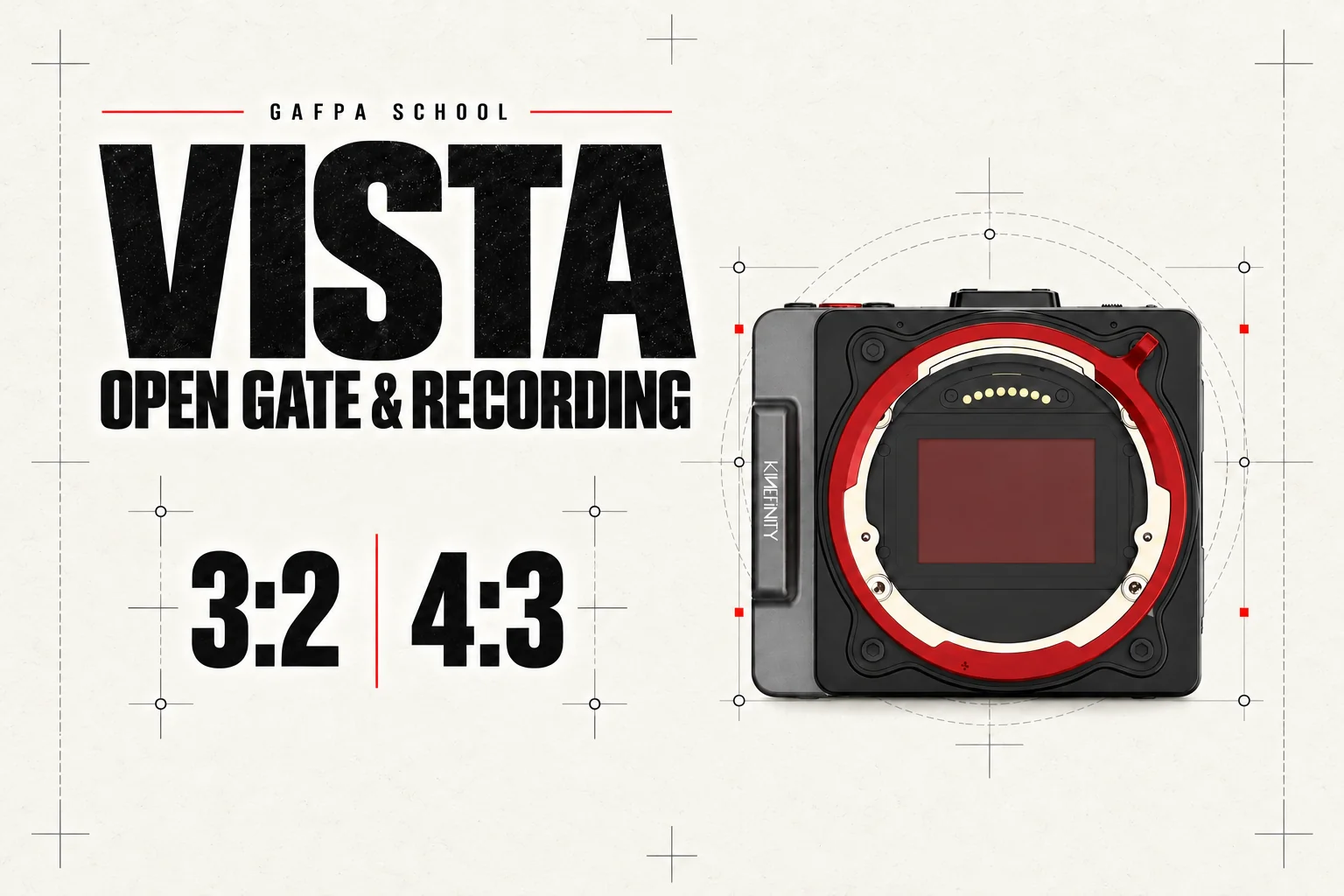
For cinematography composed in 3:2 (1.5:1), the VISTA’s 6016 × 3984 Open Gate mode records the full-height image as your chosen composition. It is an ideal recording mode when you want to work in this aspect ratio and retain it in the final film.
You can also compose for 4:3 with monitoring blanking while recording in Open Gate. The blanking defines your intended 4:3 frame on the monitor; the recording retains the full Open Gate image, including the area either side of that frame. You can therefore refine the horizontal framing in post without committing to a cropped 4:3 recording on set. Keep the blanking confined to monitoring so that the image outside the frame remains in the recorded file.
A lens attaching to the mount does not establish that it covers Open Gate. A Super 35 PL lens or APS-C E lens may work well in a smaller window while vignetting appears in full-frame capture. Coverage should be assessed over the required focus range and aperture, especially with adapted lenses and anamorphic optics.
Full-width 6K, oversampled 4K and Super 35
Full-width 6K 17:9 uses a 36 × 19.1mm area. Oversampled 4K DCI reads that same area and reduces the image to 4096 × 2160. With the lens and camera position unchanged, those two modes retain the same field of view. The smaller file is not produced by cropping to a Super 35 window.
The cropped 4K DCI mode instead uses 24.5 × 12.9mm. It changes the captured field of view and permits a higher frame rate. The 4K 2.4:1 crop is shorter again and reaches 120 fps. Choosing the faster mode means choosing its window as well; it is not full-frame 6K at 120 fps.
| Recording mode | Resolution | Active sensor area | Maximum fps |
|---|---|---|---|
| 3:2 Open Gate | 6016 × 3984 | 36 × 24mm | 39 |
| Full-width 6K 17:9 | 6016 × 3172 | 36 × 19.1mm | 50 |
| Full-width 6K 2.4:1 | 6016 × 2520 | 36 × 15.2mm | 60 |
| Oversampled 4K DCI | 4096 × 2160 | 36 × 19.1mm | 50 |
| Super 35 4K DCI | 4096 × 2160 | 24.5 × 12.9mm | 92 |
| Super 35 4K 2.4:1 | 4096 × 1600 | 24.5 × 9.6mm | 120 |
These are selected modes from the VISTA recording table. The Codecs & FPS tab on each VISTA product page includes the wider list. Firmware information is collected in our VISTA firmware guide.
Anamorphic capture is also an active-area decision
The 4:3 and 6:5 windows retain a taller image for anamorphic acquisition. For example, 4096 × 3432 with a 2× squeeze produces an approximately 2.39:1 image after desqueezing. The 4K 6:5 window uses 24.5 × 20.5mm rather than the entire full-frame sensor. Evaluate the lens’s usable coverage for that window, not just its PL or E mount.
A monitoring desqueeze changes the displayed proportions; it does not remove the need to plan the recording window and finishing crop. Keep the sensor dimensions, squeeze factor and intended output aspect ratio together when specifying the camera package.
Dual base ISO and the viewing transform
The two base ISO settings are 800 and 5120. They provide normal and high-sensitivity operating ranges. The camera records KineLOG3 when the final contrast and colour rendering will be established in post-production.
A monitoring LUT supplies a viewing image for exposure and lighting decisions while the recorded file remains Log. Burn-in is a separate choice that applies the look to the recording. That distinction matters more to the finishing pipeline than whether the monitoring image looks immediately pleasing. Establish which outputs and recordings carry which transform before the shoot.
ProRes, H.265 and recording media
The VISTA records internal 10-bit ProRes 422 HQ, 422 or 422 LT, or H.265. Choose ProRes when the production prioritises its established editorial workflow; choose the H.265 setting around the required data rate and the post system’s ability to handle that material. The recording mode, codec and compression setting together determine the media requirement.
The body includes a 220GB SSD. KineMAG CFe recording media provides a removable media option. Built-in storage makes the small camera immediately usable, but it does not replace a planned offload, verified backup and card or SSD rotation on a sustained production.
Mounts, ND and power complete the camera
KineMOUNT accepts separate adapters for PL, EF and LPL. Its PL e-ND adapter supplies 2–7 stops and has no clear setting; the PL e-ND and Clear Combo provides a separate Clear adapter. A direct Active PL body instead uses external filtration. Active E accepts native E lenses and mechanical adapters such as PL-to-E, including third-party filtered adapters where compatible. Our VISTA lens mount guide explains the interfaces and reversible camera-side mount changes.
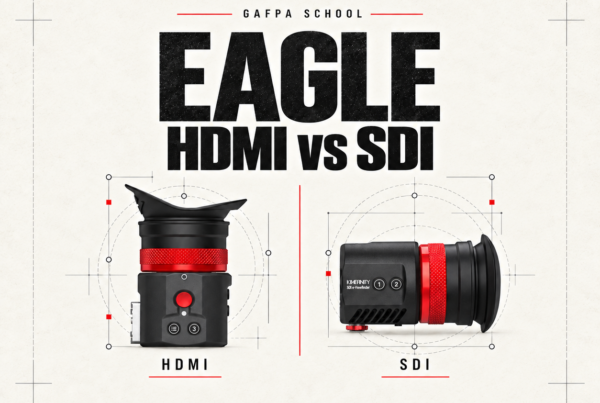
The OLED touchscreen and internal recording allow a compact configuration without a separate monitor or recorder. An EAGLE HDMI viewfinder adds an enclosed eyepiece when the operating position calls for one. The Core Kit and Pro Kit add accessory packages to the camera; their contents are listed on the respective product pages.
For compact battery operation, the VISTA accepts GripBAT 2Si or an appropriate NP-F550-format battery. The locking DC input accepts 10–20V. USB-C PD operation uses the camera’s specified 12V arrangement and requires the in-body battery to remain fitted. Choose the connection and cable around the rig rather than treating the camera’s USB-C ports as interchangeable.
The EAGLE HDMI vs SDI guide covers signal connections, power and viewfinder packages. For camera software and recording-mode changes, use our VISTA firmware guide. The development of KineMOUNT, Open Gate and KineOS is covered in our history of Kinefinity.
VISTA footage from Gafpa Gear
Norbert Storm’s SLEEP AWAKE DREAM was filmed entirely on the VISTA, on a Ronin S and tripod, including Dulens Cambrian Primes. The grade uses the upcoming VISTA-to-ARRI ALEXA Log transform. It is a finished film showing the camera within that lens and colour workflow, rather than an ungraded sensor comparison.
To specify a VISTA setup, talk to Gafpa Gear about your camera setup with your lens package, recording format and existing rig. The technical recording table is also available in Kinefinity’s VISTA specifications.