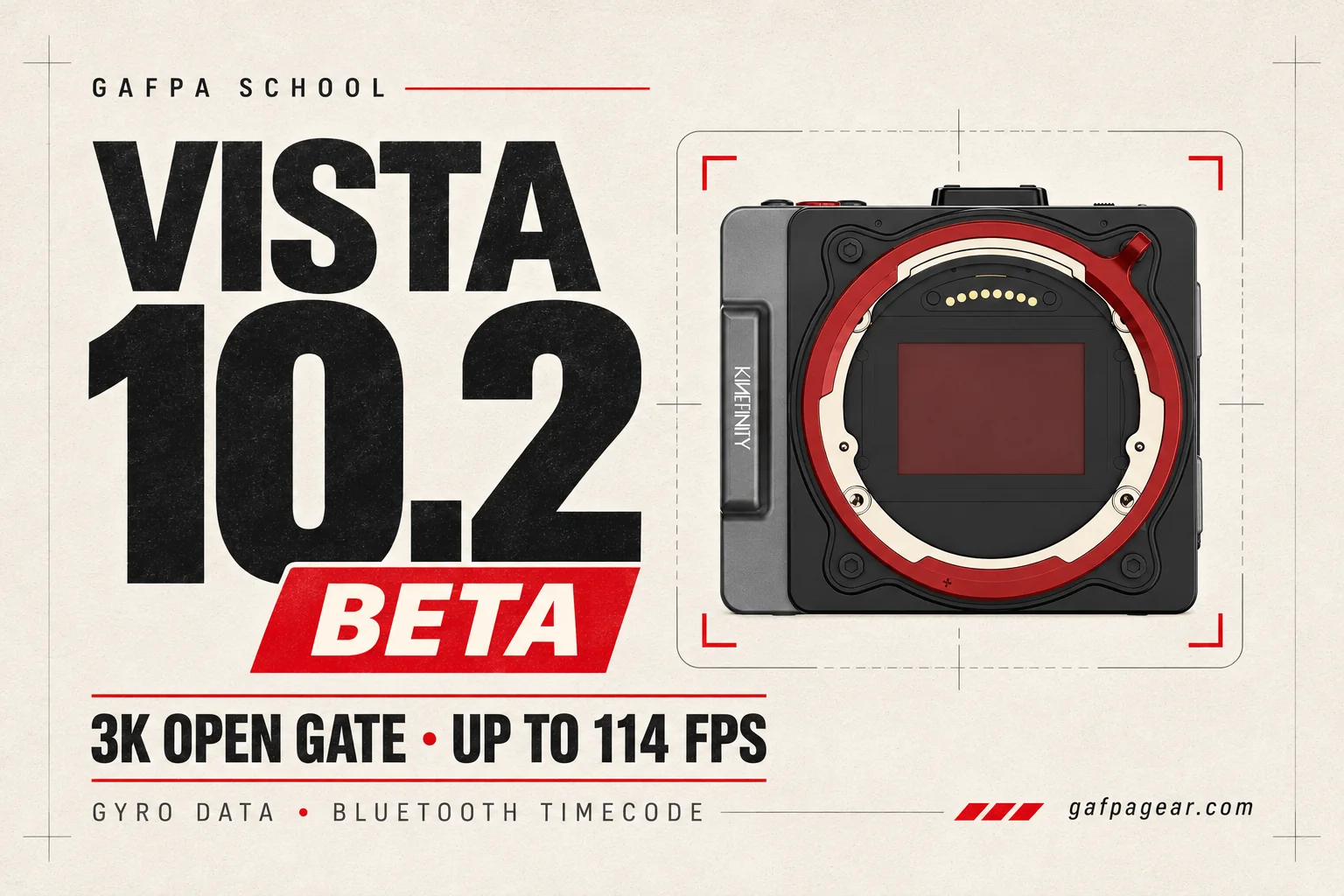
VISTA 10.2 Beta introduces full-frame 3K Open Gate recording at up to 114fps, gyro data for post-production stabilisation and Bluetooth timecode support. The update also adds Tilta PTP follow focus, a portrait-oriented Cinema interface and 1080p video and audio output over USB-C2.
The update extends the VISTA in three useful directions: high-speed full-frame acquisition, motion data for post and a more adaptable monitoring interface. Here is our guide to the changes.
How does VISTA reach 114fps in full frame?
Full-frame describes the image area; 3K describes the recorded resolution. The new mode keeps the full-frame angle of view while recording a lower-resolution Open Gate image. You retain your lens framing instead of switching to the narrower view of a Super 35 or M4/3 sensor crop.
The trade-off is spatial resolution for speed. At the same aspect ratio, a 3K frame has approximately half the width and half the height in pixels of a 6K frame: roughly one quarter of the recorded pixels per frame. That lower pixel count reduces the amount of image data to encode per frame, helping to explain the throughput advantage of a 3K high-speed mode. It does not mean the camera delivers 6K detail at 114fps.
Sensor readout and processing also determine the achievable frame rate. The beta announcement does not specify the exact pixel-sampling method, so we are not describing this mode as confirmed pixel binning, line skipping or 6K oversampling. What it establishes is full-frame coverage, 3K Open Gate recording and up to 114fps.
For a 3:2 composition, the Open Gate frame is the intended image. For a 4:3 finish, compose within that frame and retain the extra recorded width for reframing. At 114fps, footage conformed to 25fps plays 4.56 times slower, with the full-frame angle of view preserved.
The practical choice is clear: use 6K when spatial detail and crop latitude matter most, or the new 3K mode when you need high-speed full-frame acquisition. Read our VISTA recording guide for the relationship between sensor area, recording resolution and the delivery frame.
Gyro data and the Steady safety frame
VISTA 10.2 Beta adds recording of gyroscope data for stabilisation in post, together with a Steady safety-frame setting. Recording camera-motion data gives the post-production process information about how the camera moved during the shot.
The Steady safety frame provides a monitoring reference for the image margin used by stabilisation. Camera-motion data and the recorded image can then be used together in a compatible post-production workflow.
Bluetooth timecode and Tilta follow focus
Bluetooth timecode support adds a wireless connection option for compatible timecode devices. Tilta PTP follow-focus support is also part of the beta, extending the camera-control options available on a VISTA rig.
Lens control depends on the lens, mount and adapter combination. Our VISTA mount guide explains the differences between KineMOUNT, Active E and Active PL, including where electronic lens communication matters.
Cinema portrait interface and 1:1 monitoring
The Cinema interface gains a native portrait layout and display support in four orientations. When the camera is rotated for vertical acquisition, the monitoring interface can follow the shooting orientation instead of leaving the controls sideways.
A new 1:1 magnification option adds pixel-level inspection for focus assessment. Monitoring scene presets also expand, with options for different viewing conditions, alongside menu memory and improved navigation between submenus.
USB webcam output, networking and streaming
USB-C2 gains 1080p video and audio output for webcam use. Network connection, status and streaming settings are also included in the beta announcement. These changes add ways to use VISTA beyond recording internally to its SSD or CFexpress media.
Presets, accessory information and cine E-mount lenses
Shooting presets can be saved and recalled through shortcut operation. The About page gains lens and HDMI-display information, making the connected setup easier to identify. Cine E-mount lens support also includes correct T-stop labelling.
Firmware and support through Gafpa Gear
VISTA 10.2 is in beta. For production work, use a released build suited to your camera and setup. We keep beta news separate from the firmware downloads available for installation.
Our VISTA firmware page is the place for release status, update instructions and available downloads. For advice on your camera, contact Gafpa Gear with your installed firmware version and the feature or issue you want to discuss.
Building a VISTA kit? Explore the VISTA Active E-Mount and the VISTA camera and accessories.